GETTING STARTED:
Requirements:
In order to successfully run ‘ Our Divi Layouts ‘ on your website your server environment will have to meet certain PHP and WordPress minimal version requirements.
Essentials:
-PHP 5.4.X or higher
-In order to install our Child theme or Layouts, you must first Purchase Elegant themes Membership and Download Divi theme.
-This Divi Layouts is fully compatible with Divi v5+, just make sure that you’ve installed the latest version of Divi theme.
Installation Guide :
Step 1:
Download the Product Zip & Extract the .zip which consists of Supplementary & Product Folder. It consist of Product Files & other files needed like installation guide,license.txt etc.
For example in screenshot below it show ‘ Testimonial Module Pack ‘ Folder
Note :- You need import ‘ All_Styles ‘ under ‘ Divi Library ‘ to import all styles in one shot.
Supplementary folder also contain individual json to import individual styles if you prefer .
Step 2:
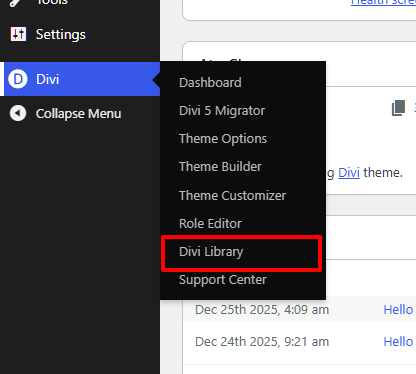
Login to wp-admin( WordPress Dashboard ) and Navigate to Divi > Divi Library.
Step 3 :
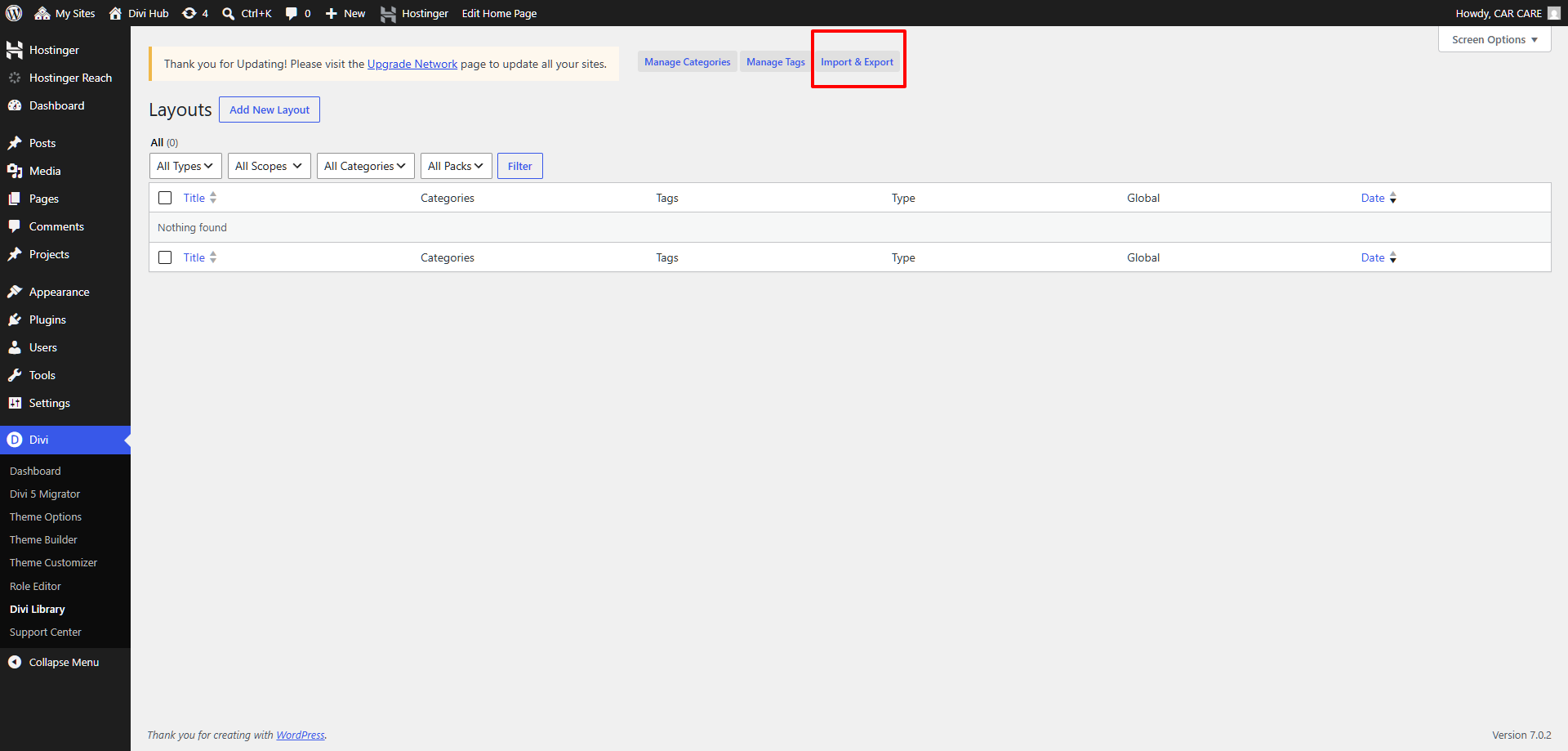
Now at the Topbar of the WordPress Dashboard click on Import and Export button.
Step 4:
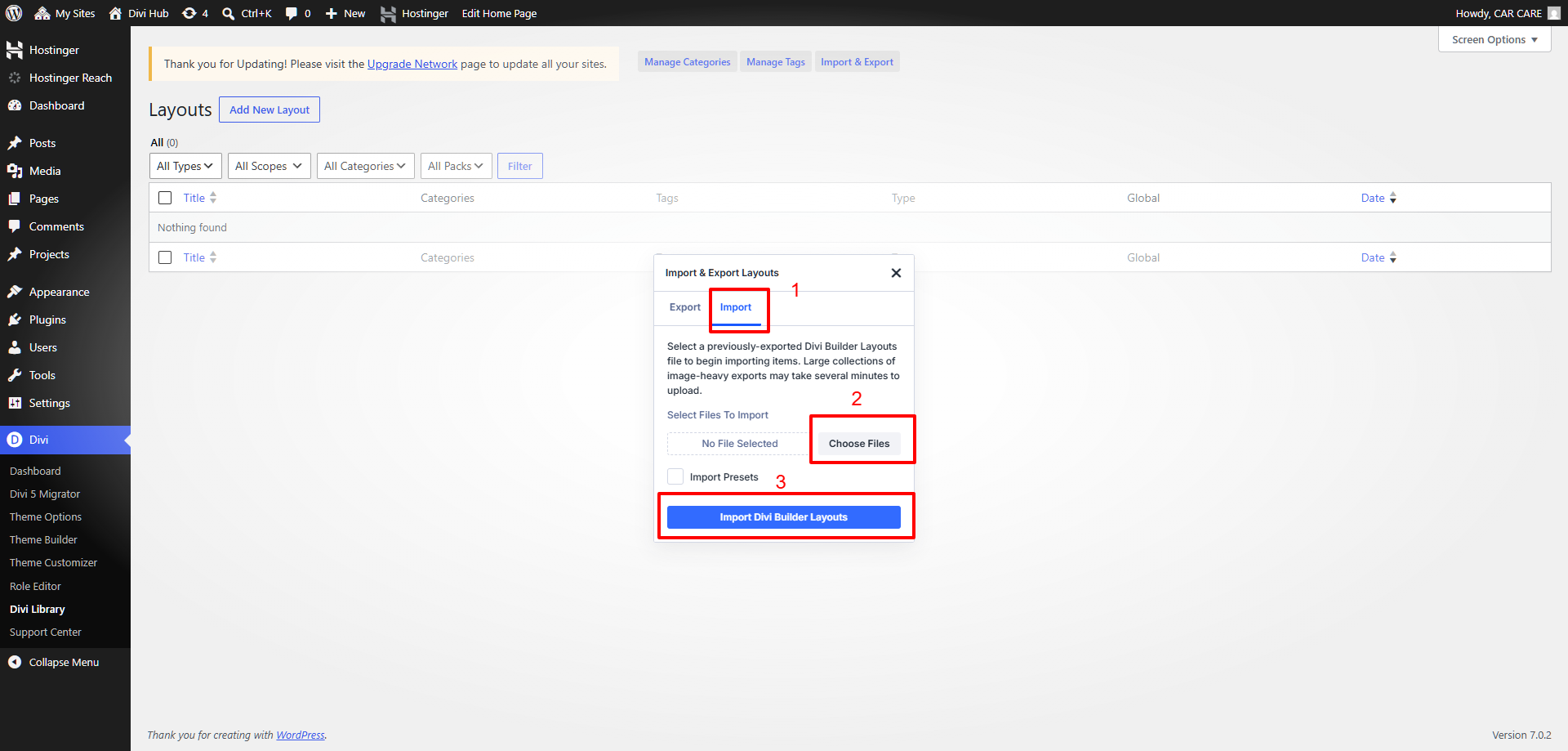
In Portability Popup click on Import Tab & choose All Style JSON file from Product Folder then hit on Import Divi Builder Layouts.
Step 5:
Wait for the installation to complete & then you will see all the JSON styles imported. Now to use this style Create a New Page or Edit the Existing page Using DIVI Builder.
Step 6:
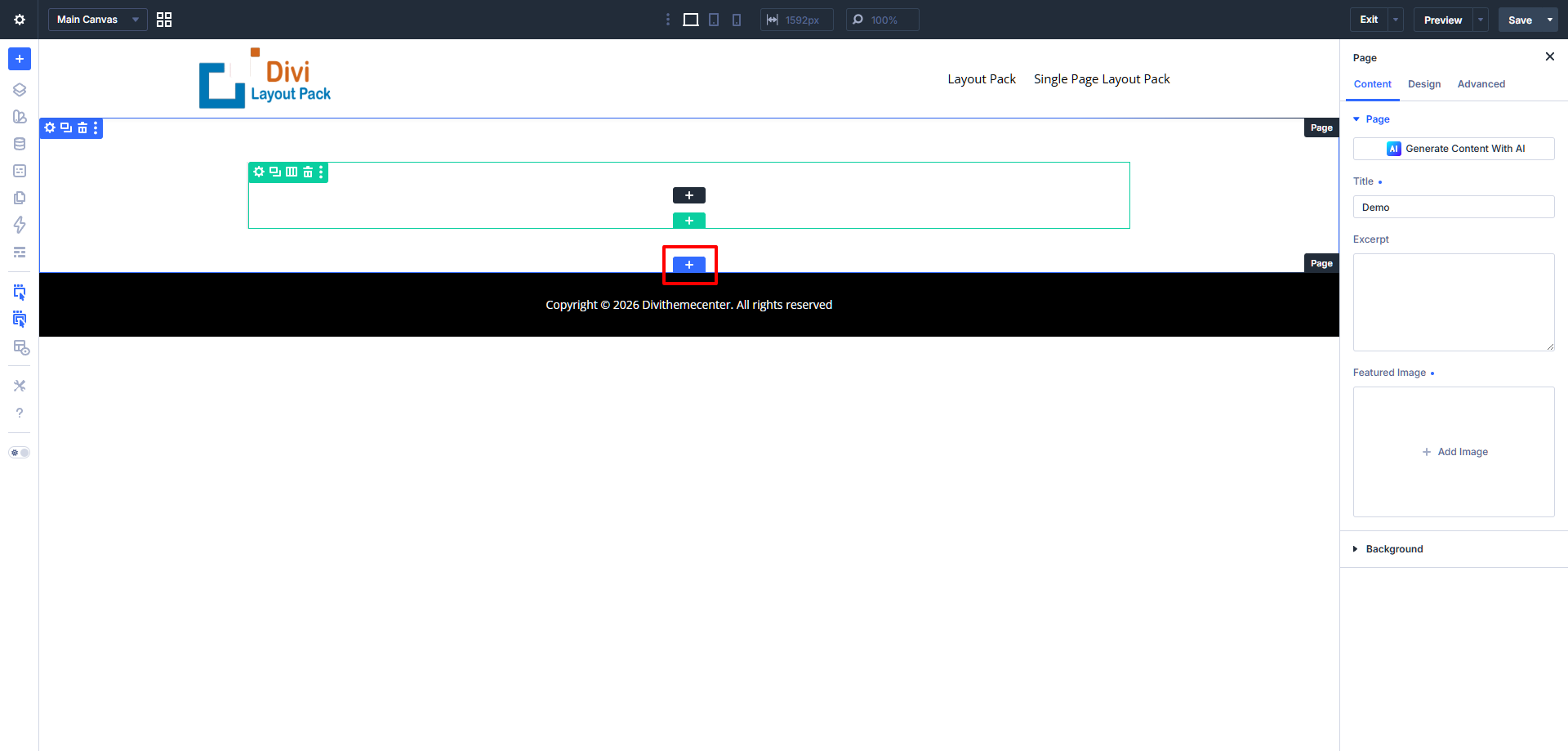
Click on Add New Section on your Page to insert a section.
Step 7:
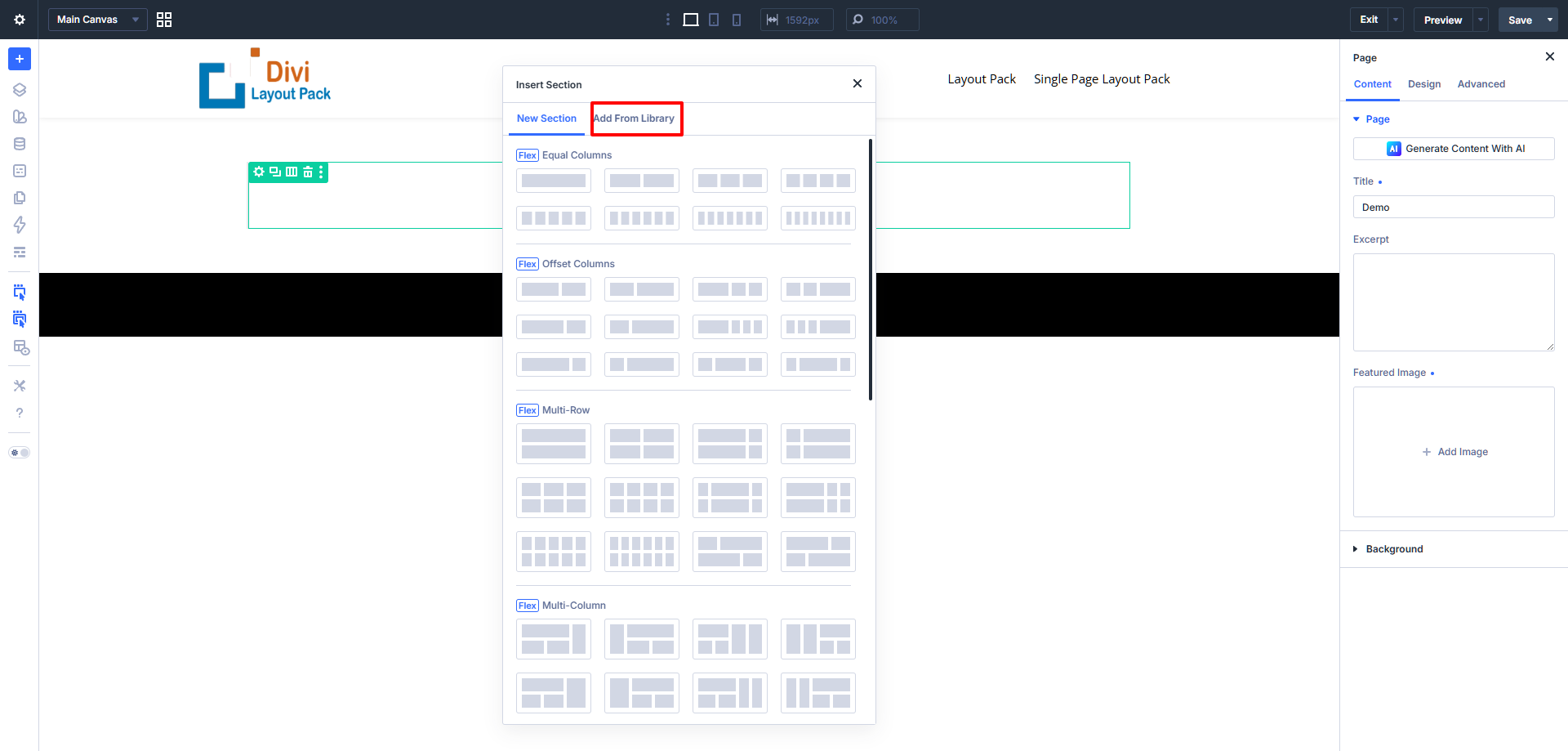
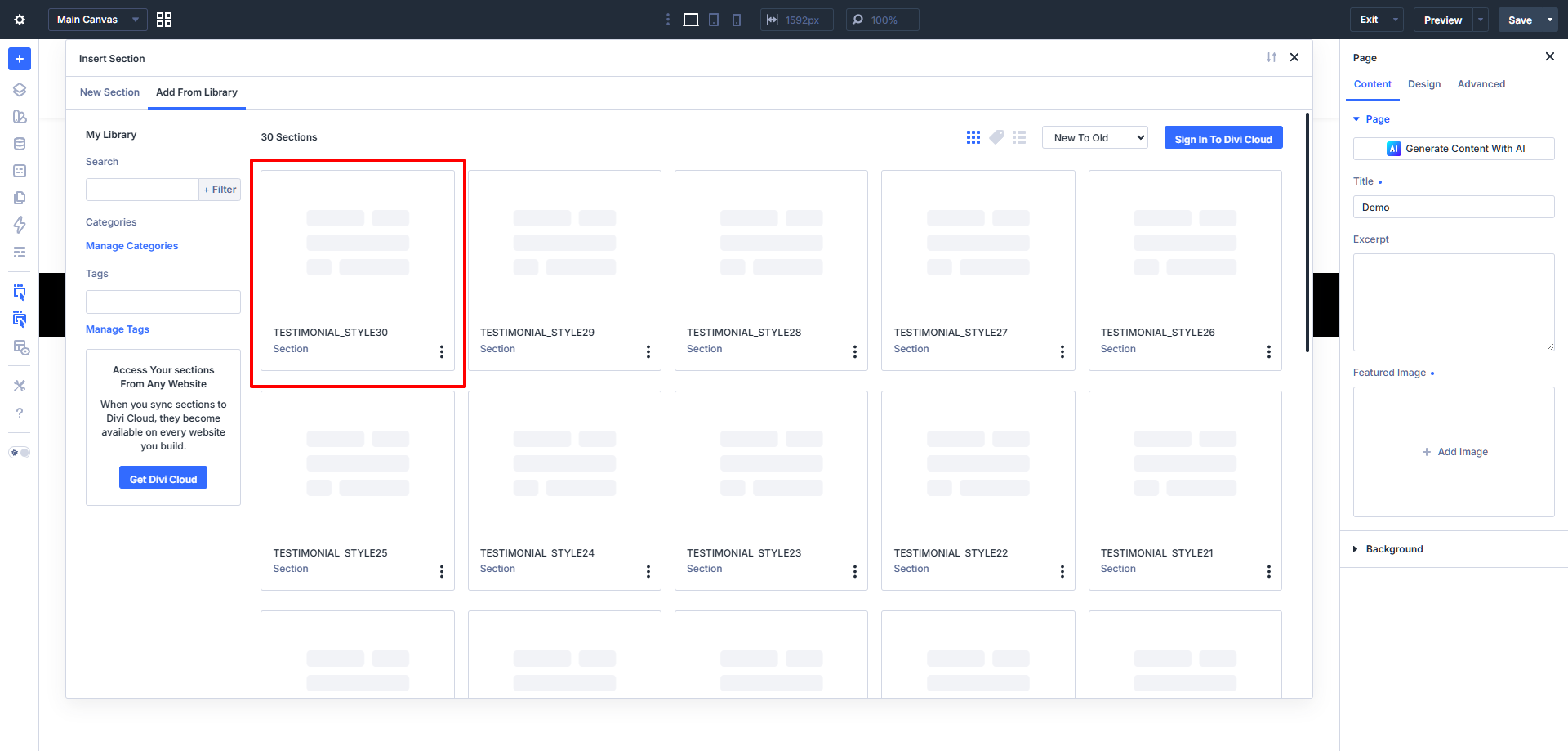
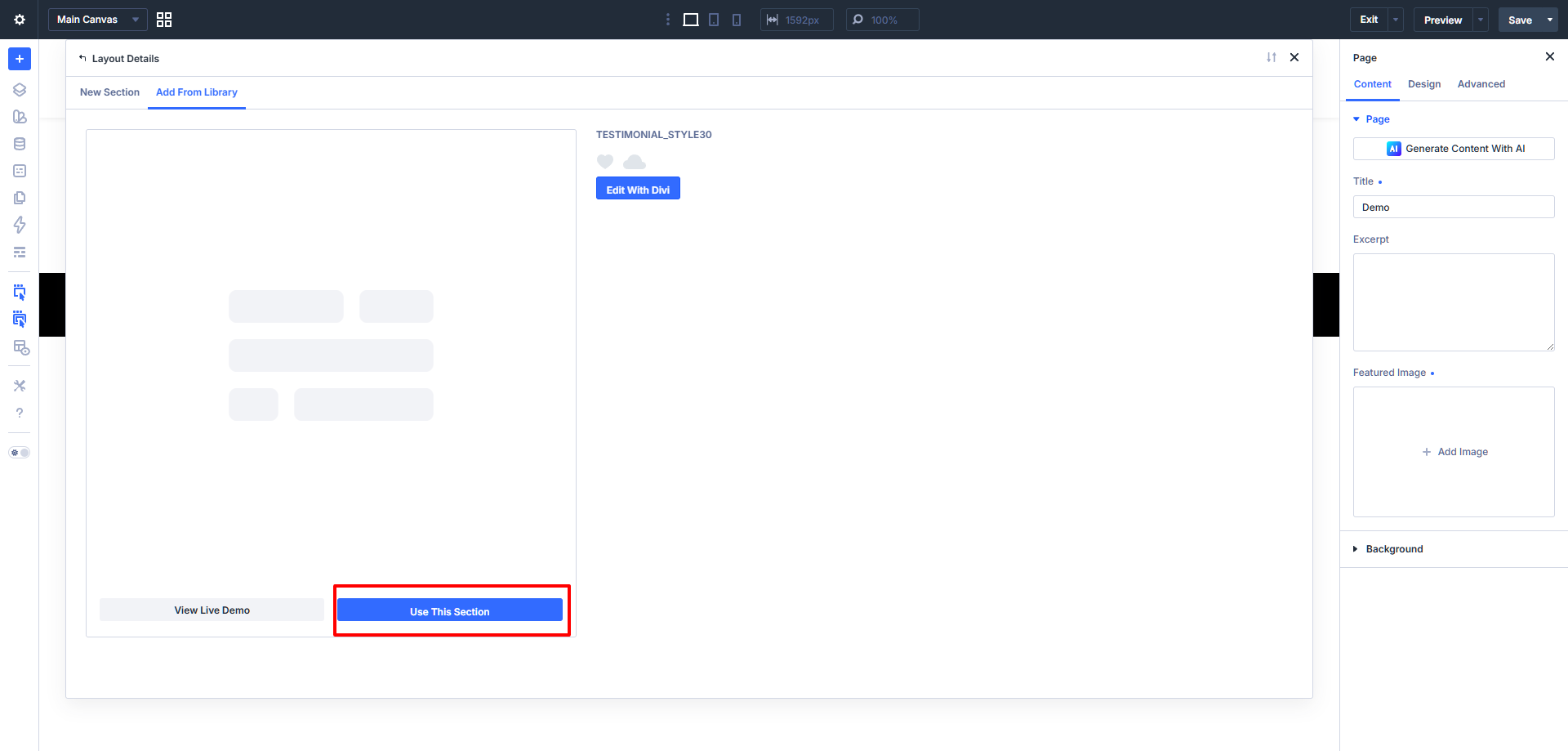
Navigate to Add From Library Tab & select the style you want from the available list. After that select section style that you want to use wait for style to load .
Step 8 (Optional) :
Note :-
1. This step is applicable for layout pack that need either ‘ Blog or Portfolio ‘ sections imported , and for the rest all ‘ Images Will Be Included In the Json File Provided ‘ .
2. This step is only needed for our ‘ Blog or Portfolio Module Pack ‘ and that too if end user need load ‘ Our Dummy Data ‘ else can skip this step.
If you are importing For Portfolio or Blog UI Module Pack on the fresh divi installation you might need import Project, Media, and Posts XML – that is you need import / load Dummy Data on your website. You can find XML files needed under Supplementary Zip.
Step : For XML files you need to import it under Tools -> Import -> WordPress Import. You can skip this step if your site already have Demo Data added or loaded in WordPress Admin.
One Who Have Purchased From Elegant Themes Marketplace Might Need To Use Their Own Demo Data